
Skip to content
CliffHouse Media
CliffHouse Media

For productions, production companies & studios

Get your team ready.
Put AI to work responsibly.
Bring your production to life.

Practical onboarding and training. Clear AI usage and documentation practices. Web apps designed around the way your production works.

Start with the problem you need to solve. No account or payment needed to inquire.

AI-generated illustration of a production team reviewing training, a workflow, and a project app together
AI-generated illustration · Not client work

Choose your starting point

What does your next production need?

Start with the result—not a software subscription. Each engagement has an agreed scope and a tangible handoff.

AI-generated illustration of an instructor guiding a crew member through hands-on camera practice on a sunset location shoot
AI-generated illustration · Not client work

For productions, companies & studios

Production Onboarding & Training

A team that knows what to do.

Turn your procedures, expert knowledge, and workflows into clear onboarding and practical training people can use on the job.

Explore this serviceScoped engagement

AI-generated overhead illustration of source imagery, reviewed variations, and an organized production handoff
AI-generated illustration · Not client work

For teams putting AI into practice

Production AI Practices & Documentation

A clear process for AI use.

Identify what needs approval, record how AI was used, and prepare a documented handoff. CliffHouse Media consulting helps your team apply AIFilmSafe’s software and resources to its own production.

Explore this serviceScoped engagement
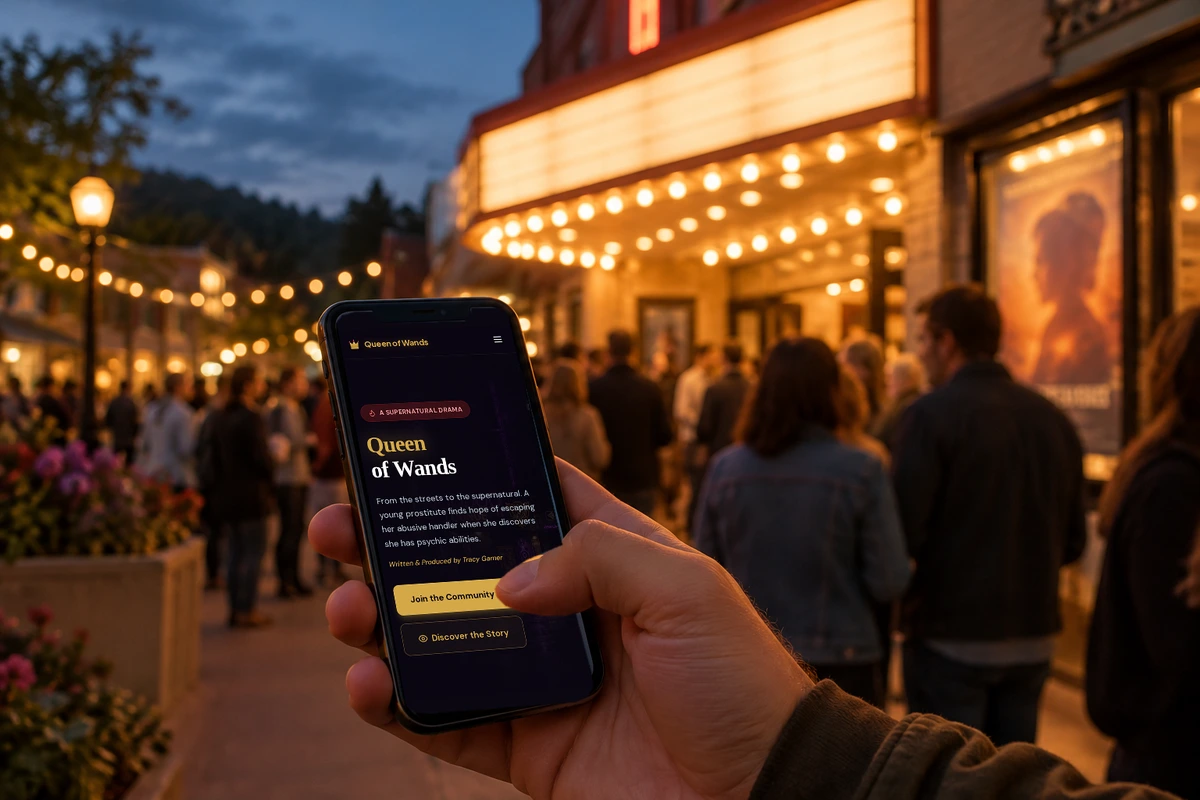
Illustrative phone scene outside a cinema, composited with an actual Queen of Wands website capture showing its community invitation
AI-generated illustration · Not client work

For a project ready for its own app

Production & Project Web Apps

An app that moves the project forward.

Give people a place to join, participate, learn, or work with your production. Move from an agreed design to a tested public release and a clear owner handoff.

Explore this serviceScoped engagement

Projects behind the approach

Explore what these ideas can become.

Explore the problems, solutions, and possibilities here on CliffHouse Media. These public examples show approaches to training, documentation, and project participation—not invented customer results. Each overview explains how the ideas could apply to your own project. Optional external links appear at the end and open in a new tab, keeping this page in place.

Structured learning & onboarding

CraftMyTraining

Turn “ask someone how it works” into a clear learning path.

The public New Hire Onboarding: Your First 30 Days example shows how a welcome, practical guidance, activities, and checks can become one coherent course. For a production, the useful idea is not a generic HR course—it is giving each person a reliable path from joining the team to doing their work.

A professor demonstrating a prism’s rainbow spectrum to nearby students, cropped from the supplied image
From the supplied image · A demonstration brings a lesson to life.

The problem to solve

When procedures live in scattered documents or in a department lead’s head, newcomers have to guess who to ask, which tools to use, and what good work looks like. Repeating the same explanations also makes a consistent welcome harder to deliver. A course can organize that knowledge without pretending to replace role-specific supervision.

What the project demonstrates

The example separates orientation, working practices, team connections, and a first-month plan into modules. A competency map connects those topics to what the learner should be able to do. The visible lesson sample turns a broad goal into a specific activity, a takeaway, and a self-check.

Video and reading formats sit alongside an example checklist, goals worksheet, directory, and buddy guide. The public outline also describes matching activities and a final plan. Together, these show how instruction, useful resources, and evidence of learning can support the same outcome—not simply fill a library with videos.

Apply the approach to your project

  • Production onboarding: organize approved information about departments, communication, resources, and first-day expectations into a reusable welcome path.
  • Role-based training: turn a subject-matter expert’s procedure into a short demonstration, practice activity, accessible job aid, and practical check.
  • AI workflow learning: teach an agreed process for source records, review, and escalation through examples relevant to your team’s actual work.

A useful first step with CliffHouse Media

CliffHouse Media can start with one role and one useful lesson, using your approved source material and named reviewer. Agree the learner outcome, formats, accessibility needs, delivery package, and update responsibilities before expanding the course.

Discuss a similar need

This is an illustrative course with a fictional instructor; sample downloads are inactive. The showcase is not evidence of a purchased course, learner performance, or a client outcome. Safety-critical procedures need a qualified reviewer.

Want to explore the original? The link below visits an external website. Your CliffHouse Media page stays open.

Visit the example course — craftmytraining.com(external site · opens in a new tab)

AI process & documentation

AIFilmSafe

Make an AI-assisted asset easier to explain, review, and hand off.

AIFilmSafe’s public AI Documentation Checklist makes the recordkeeping questions visible: what went into an AI tool, which tool was used, what came out, who reviewed it, and which supporting records should travel with the project. CliffHouse Media’s service is to help apply that approach to your specific production.

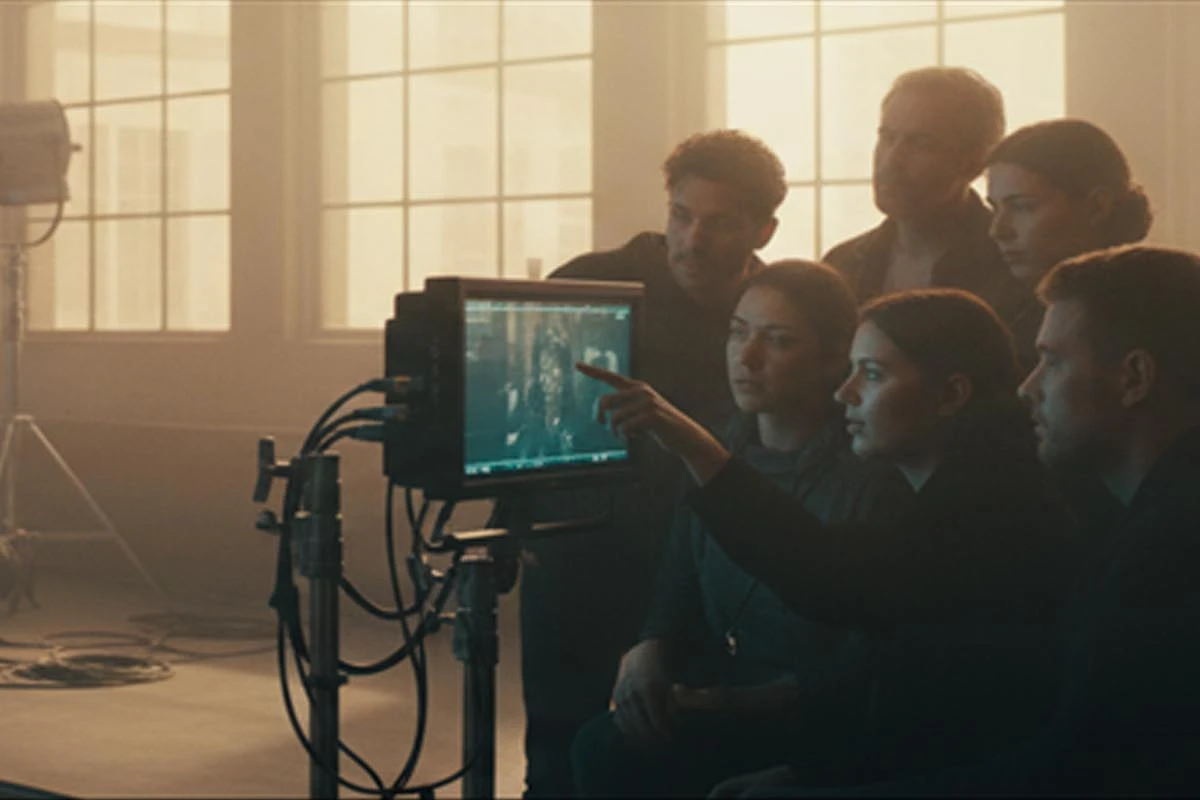
Film crew reviewing an image together on a production monitor, from AIFilmSafe’s homepage artwork
From AIFilmSafe’s homepage · Site artwork illustrating collaborative production review.

The problem to solve

AI use can become difficult to reconstruct when asset sources, tool details, approvals, and edits are spread across people and applications. A producer or reviewer may receive a finished image or sequence without enough context to understand its provenance or the decisions behind it. Waiting until delivery makes those gaps harder to resolve.

What the project demonstrates

The public checklist groups the work into Identify, Document, Generate, and Export. Its input section asks about ownership, licenses, performer consent where applicable, and supporting evidence before material is uploaded to a tool. It then prompts teams to identify tools and flag likeness or voice use.

Later steps describe recording tool versions, departments, usage details, timecodes, human oversight, named reviewers, and subsequent human modifications. Consent, disclosure preparation, and a documentation packet appear as later tasks. This offers a concrete way to discuss responsibilities and missing records; it does not establish that every project meets a recipient’s requirements.

Apply the approach to your project

  • Workflow review: trace one representative AI-assisted asset, identify missing evidence, and assign an owner to each follow-up.
  • Production practice: define when inputs are logged, which uses need approval, and how review decisions and human changes are recorded.
  • Delivery preparation: organize a project-specific evidence index and disclosure materials around a named recipient’s requirements, with qualified review where needed.

A useful first step with CliffHouse Media

CliffHouse Media can review the path of one asset with your team, then scope the records, checkpoints, responsibilities, and handoff you need. AIFilmSafe software and resources can support that process; hands-on consulting is a separate engagement.

Discuss a similar need

Documentation is not legal clearance, legal advice, or a guarantee of copyright, insurance, distributor, or festival acceptance. Software subscriptions and consulting are separate unless expressly included. This overview describes public guidance, not an independently tested private-account workflow.

Want to explore the original? The link below visits an external website. Your CliffHouse Media page stays open.

Visit the documentation checklist — aifilmsafe.com(external site · opens in a new tab)

A film-specific participation experience

Queen of Wands

Give interest in your project somewhere useful to go.

The Queen of Wands site connects a supernatural film’s identity with an invitation to participate. Story, character introductions, a distinctive tarot theme, and a community entry point belong to the same experience. It demonstrates how a project website can be designed around a next action rather than stop at a poster and synopsis.

Six illustrated tarot cards fanned across purple mist, from the Queen of Wands community website
From the Queen of Wands website · Tarot artwork used in its community experience.

The problem to solve

A visitor may like a film’s premise but leave without a clear way to stay involved. Story information, updates, participation opportunities, and signup can also feel disconnected when they are spread across channels. The design challenge is to make the next step understandable and appropriate to the project—not add features for their own sake.

What the project demonstrates

The public homepage introduces the film and its characters, then presents a community model built around collectible tarot ranks and referral-based participation. It describes behind-the-scenes content and rewards. The relevant design lesson is the connection between the world of the story, the invitation, and the reasons presented for returning.

The linked join page asks for a name, public community name, account details, an optional referral code, and a choice about updates. Navigation also points to community recognition through a leaderboard and builders page. Those visible entry points illustrate an intentional participation journey; they are not proof of conversion, reward fulfillment, or private-account behavior.

Apply the approach to your project

  • Film or documentary community: bring the project story, approved artwork, updates, and an appropriate participation path into a consistent experience.
  • Project-specific journeys: scope a useful way for people to join, contribute, learn, or access resources instead of copying another film’s feature list.
  • Owner-ready delivery: move from a journey blueprint to a working pilot, agreed functionality, release checks, and an operating guide with an owner walkthrough.

A useful first step with CliffHouse Media

CliffHouse Media can begin with one audience and one action you want to support. Define what a successful first release must do, then agree around content, access, integrations, testing, and ownership. Referral or reward features are optional, separately scoped choices—not a requirement or a promise of growth.

Discuss a similar need

This is a public project example—not a claim of audience growth or verified private functionality. Offers and participation terms belong to the external project. A similar engagement mechanic would require its own rules, review, implementation, and testing.

Want to explore the original? The link below visits an external website. Your CliffHouse Media page stays open.

Visit the project community — queenofwandsmovie.com(external site · opens in a new tab)

Working together

A clear next step. Not another obstacle.

Keep the conversation focused on your production. Agree the communication and file-sharing arrangements that fit the work before exchanging sensitive materials.

AI-generated illustration of a producer preparing for a remote review and resource handoff
AI-generated illustration · Not client work
  1. 01

    Start with the need

    Tell us what your team needs to learn, document, or build. A short description is enough; no signup or payment is needed to inquire.

  2. 02

    Plan the conversation

    Tell us if you prefer Zoom or Google Meet, along with your timezone. A call time and joining details are agreed by email—not booked by submitting the form.

  3. 03

    Agree to the work

    Define deliverables, responsibilities, review points, fees, and any third-party costs before work begins. Existing software plans are separate from consulting.

  4. 04

    Share, review, and hand off

    Agree where approved files will be uploaded, how feedback will be collected, and how you will download the final resources. Confirm access, ownership, and next steps at handoff.

Engagements are inquiry-led. Self-service call scheduling and a dedicated consulting file workspace are not available here yet. Do not send passwords, confidential scripts, or consent records through the inquiry form.

Built around your people

Clear scope. Practical handoff. Room to evolve.

You do not need to replace everything you already use. Review a representative lesson, documentation workflow, or working app journey before expanding the work.

Explore our approach

Know what comes next.

Agree who supplies approved materials, who reviews the work, where feedback belongs, and how the final resources will be delivered. Scope, fees, and support are confirmed before work starts.

AI documentation consulting is not legal advice or a guarantee of acceptance. Project examples show approaches, not independently measured client outcomes.

Start with something real

What would make your next production easier to run?

A team to onboard. An AI workflow to document. A project app to bring to life. Start with a short description—no account, payment, or confidential files needed.

Tell us about your project